
Here's how you can create or update your profile:
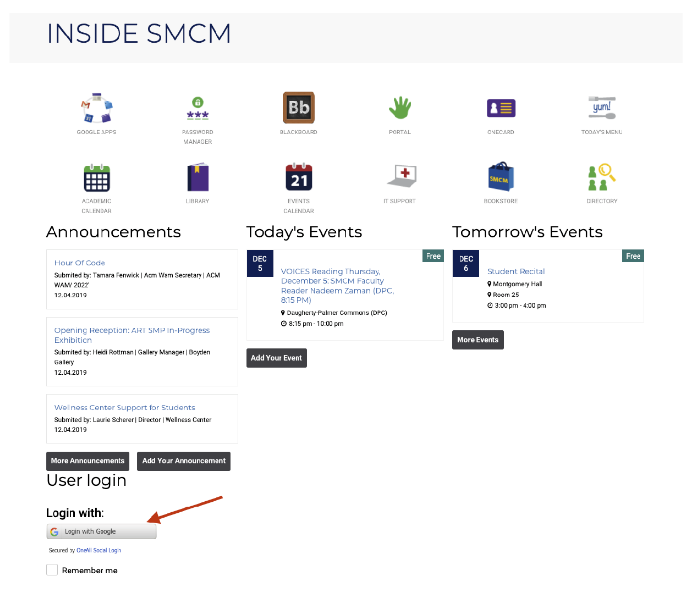
Step 1: Login to InsideSMCM using your smcm.edu Google account.
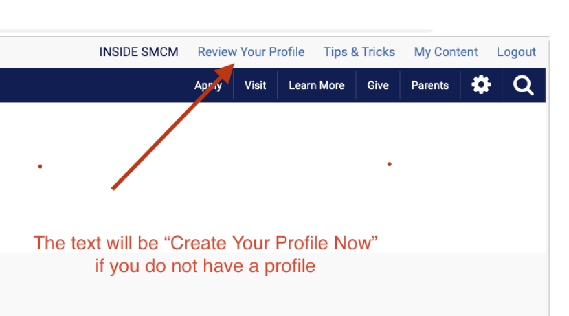
Step 2: Add a new profile or review your existing profile by using the link in the upper righthand menu.
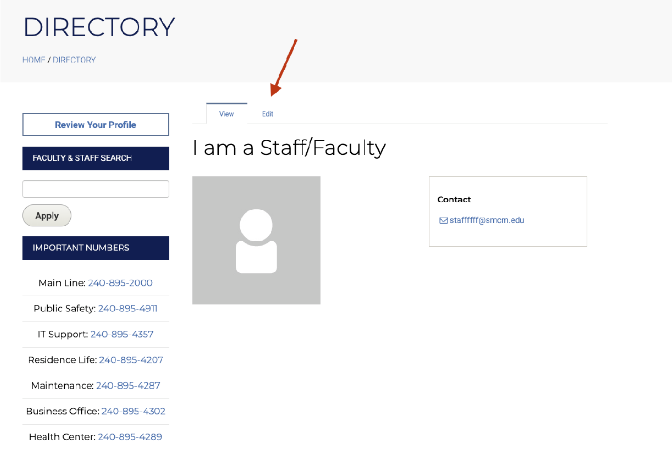
Step 3: Edit your profile by clicking the Edit tab.
Step 4: Make your changes/additions. Save your changes.
To Remove or Reorder a Staff/Faculty Listing:Submit a ticket to the Service Desk to tell us the changes that need to be made to the page.This ticketing system is also where you would submit changes to the website.